Your website
yourapp.com
Paste your website
Off Camera reads it once: what you make, who it is for and the words your customers use.
Paste your website. Off Camera turns it into social posts that don't feel like ads.
No card. No filming. No editing.
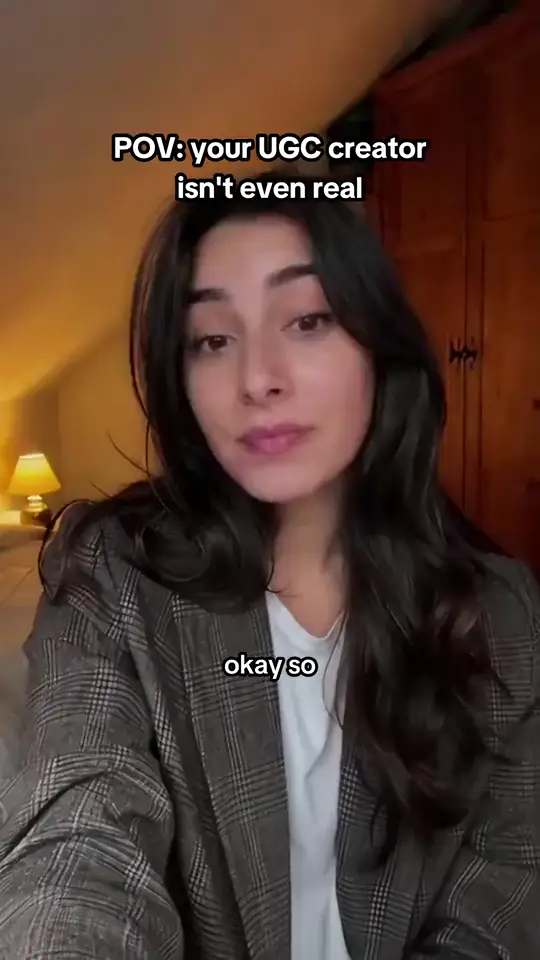
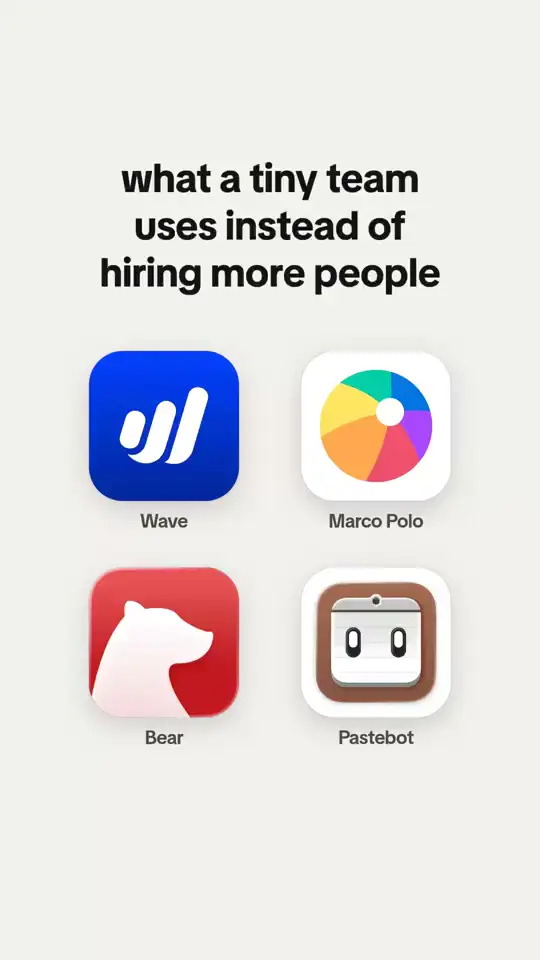

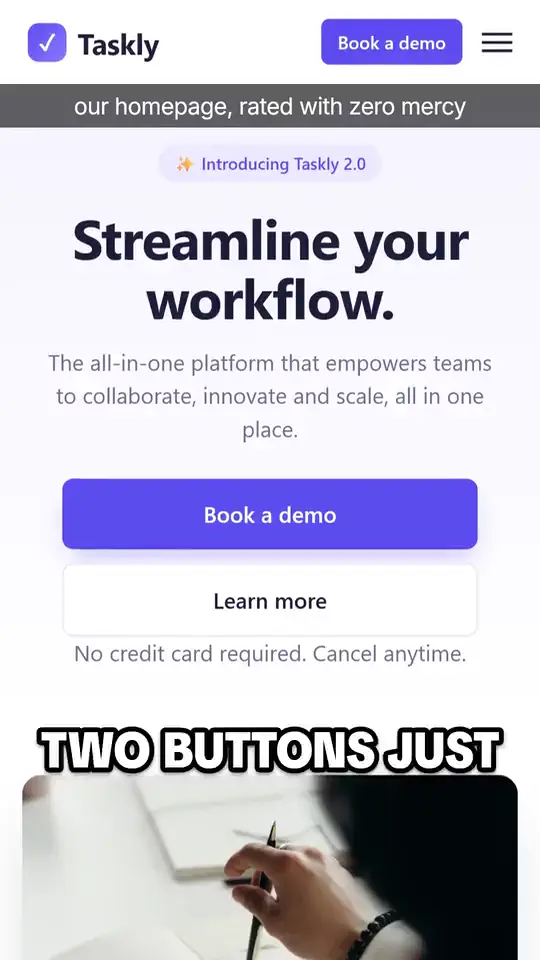
Paste one address. Off Camera reads it the way a good marketer would, then makes posts in different formats, each one about your product.
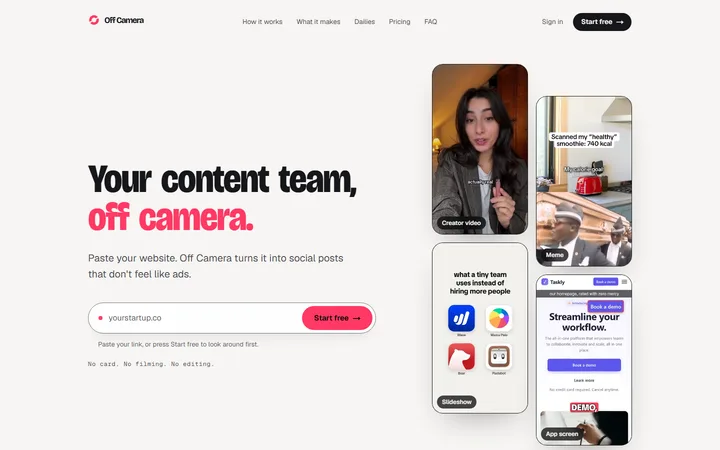
Off Camera reads it
2 · A few minutes

3 · Ready to post
The steps are the ones Off Camera really takes. The three posts are real: Off Camera made them from our own website, and the creator is labelled as AI on the video itself.
Every post below was made by Off Camera for one product: itself. Pick a format yourself, or let Off Camera pick for you.
An AI creator talks about your product, labelled as AI.
Example: A creator video for Off Camera: an AI creator in her bedroom says she isn't a real creator.A joke your users send to their friends.
Example: A meme for Off Camera: Customer, at 1am: quick question. Me, waking up: a startled cat.A list people swipe, save and share.
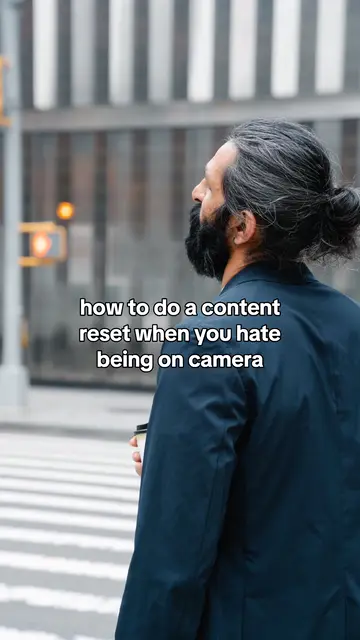
Example: A slideshow for Off Camera: how to do a content reset when you hate being on camera.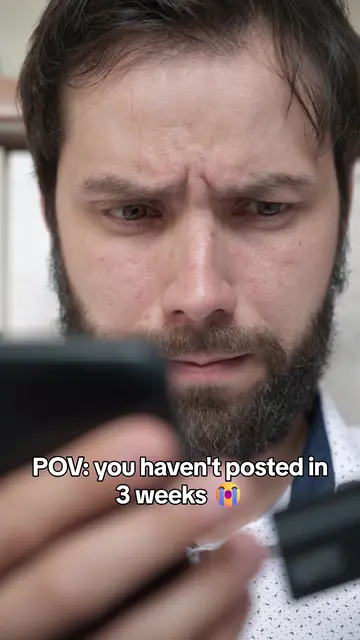
Your real product on screen, with a hook on top.
Example: An app screen post for Off Camera: POV, you haven't posted in 3 weeks, and your competitor just posted again.
Any idea, as an AI video with sound.
Example: A Seedance video for Off Camera: a woman on her bed looks at the app on her phone and gasps.Press Make my posts and get a fresh deck in a minute or two: a creator video, a meme, a slideshow and an app screen post, all about your product. Keep what you like, skip the rest.
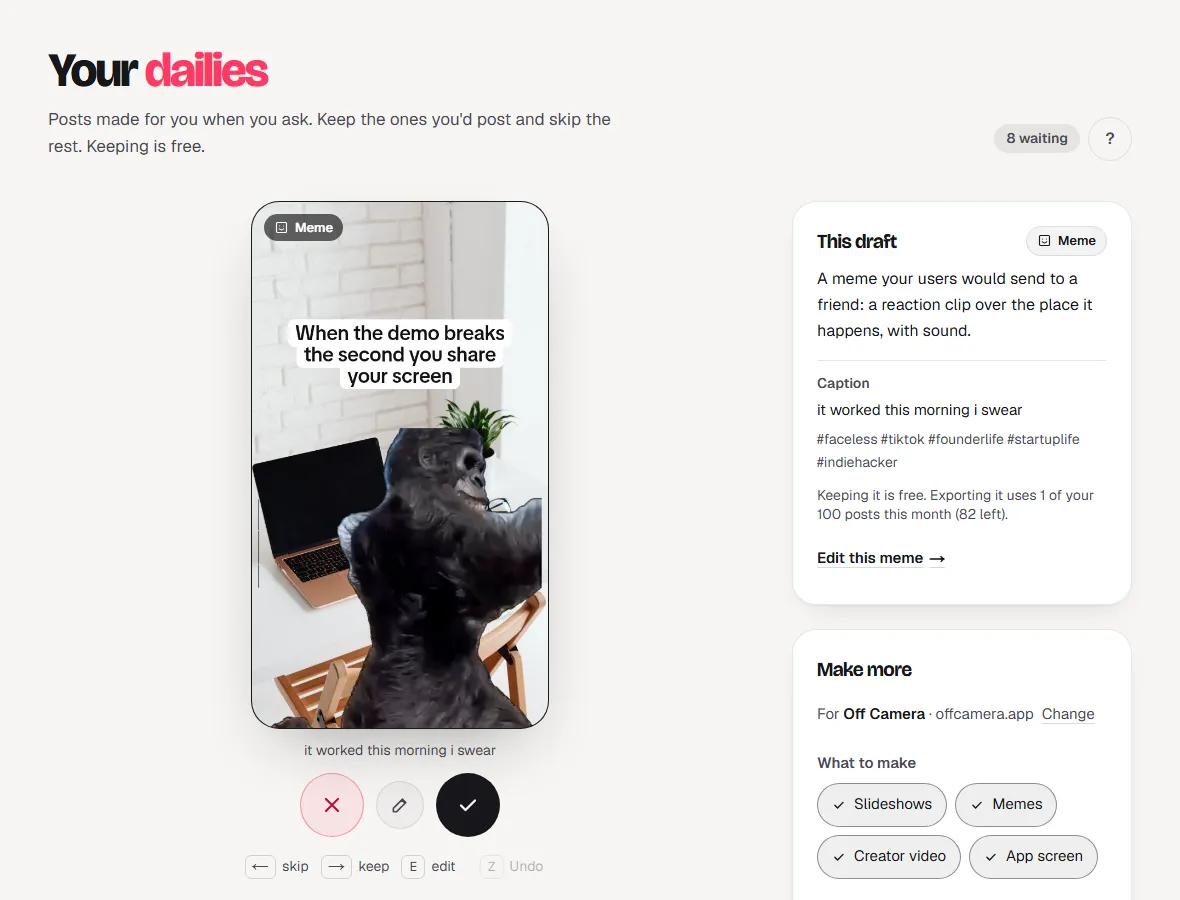
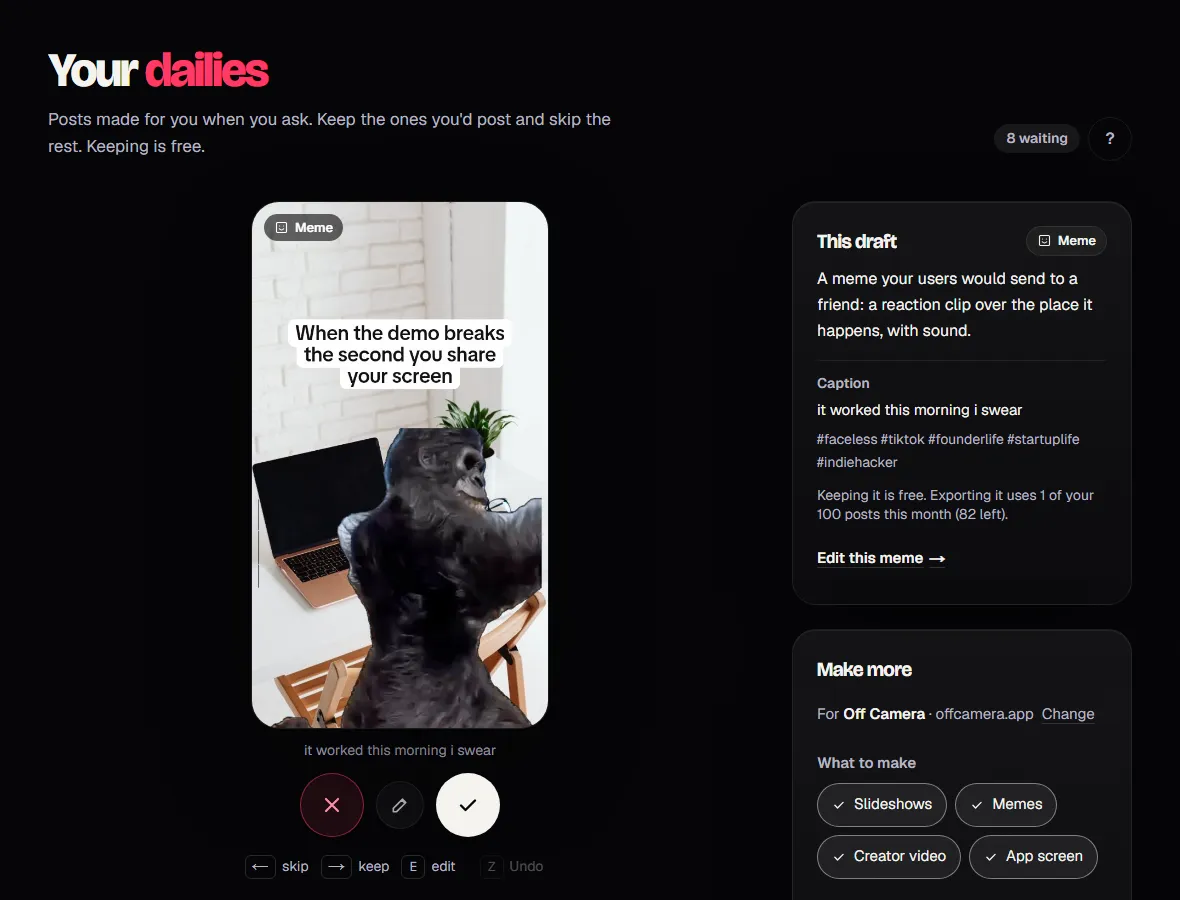
It moves to your Library, ready to export and post.
Gone. Drafts are free, so skip without thinking twice.
Change any word or picture before you export.
Most AI tools write the brochure. Off Camera writes the post a user would send to a friend.
Your pages, your pricing, your FAQ, and for apps, what real users say on the App Store. Every post starts from that.
App screen posts show your actual product. Lines use the words your customers use, not stock phrases.
Short, specific and a little funny, the way a friend would tell someone about it. You can change every word.
A generic AI line
“Off Camera writes a month of short-form posts for a product and renders them ready to post, so the founder never has to be on camera.”
True, and nobody stops scrolling for it.
What Off Camera posted
“POV: you haven't posted in 3 weeks ”then: “and your competitor just posted again”
A feeling the viewer knows, then the product as the answer.
From your website to a finished post, without filming, recording or editing a thing.
Your website
yourapp.com
Off Camera reads it once: what you make, who it is for and the words your customers use.
“For me” picks the format, hook and visuals.
Press Make my posts for me and get 4 different posts, or choose a creator video, a meme, a slideshow or an app screen post yourself.
Keep the ones you like, export them and post from your phone. Accounts keeps track of what goes where.
Post to many TikTok, Instagram and YouTube accounts without mixing them up. Off Camera plans each day and tells you what goes out next.
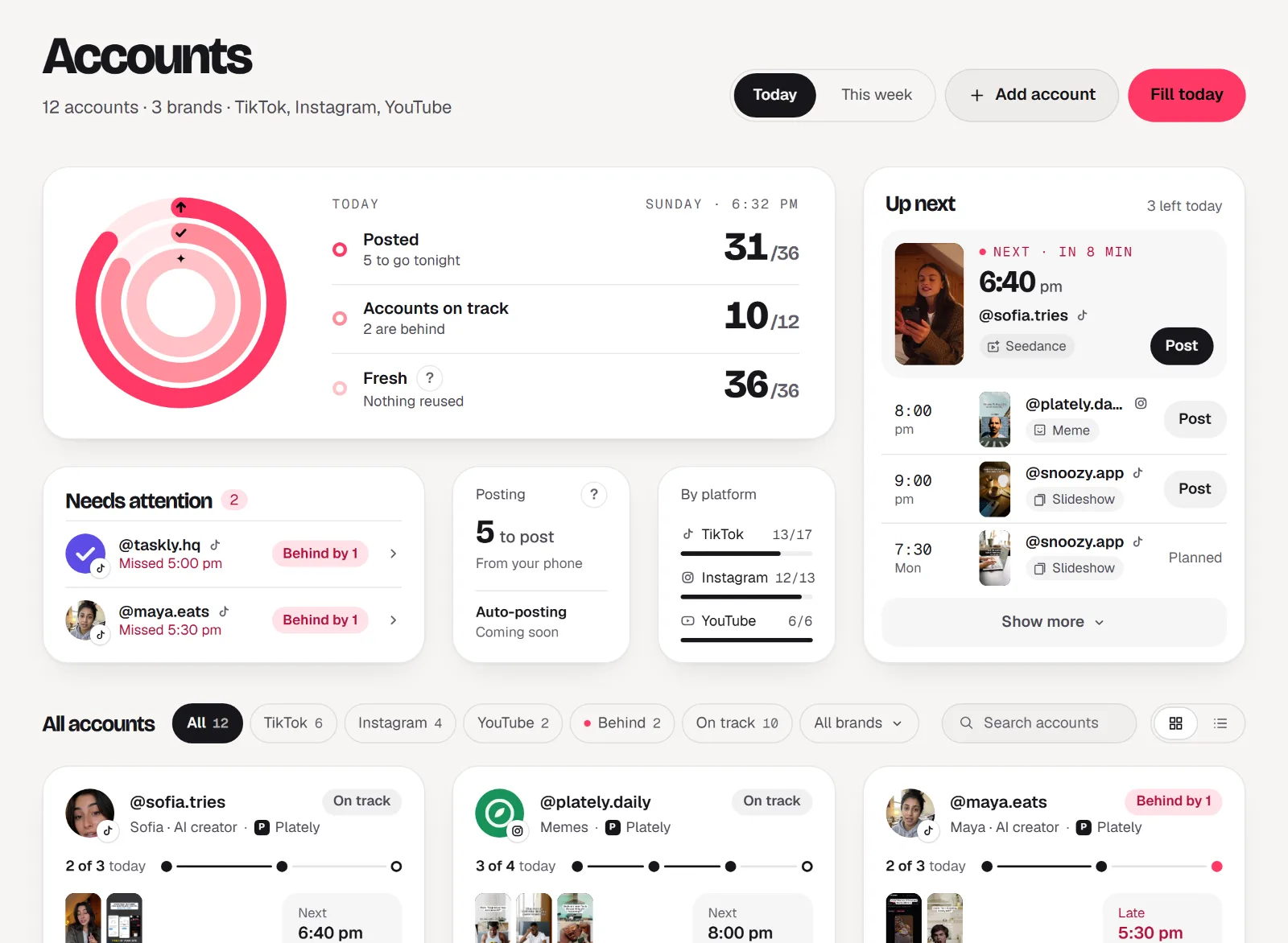
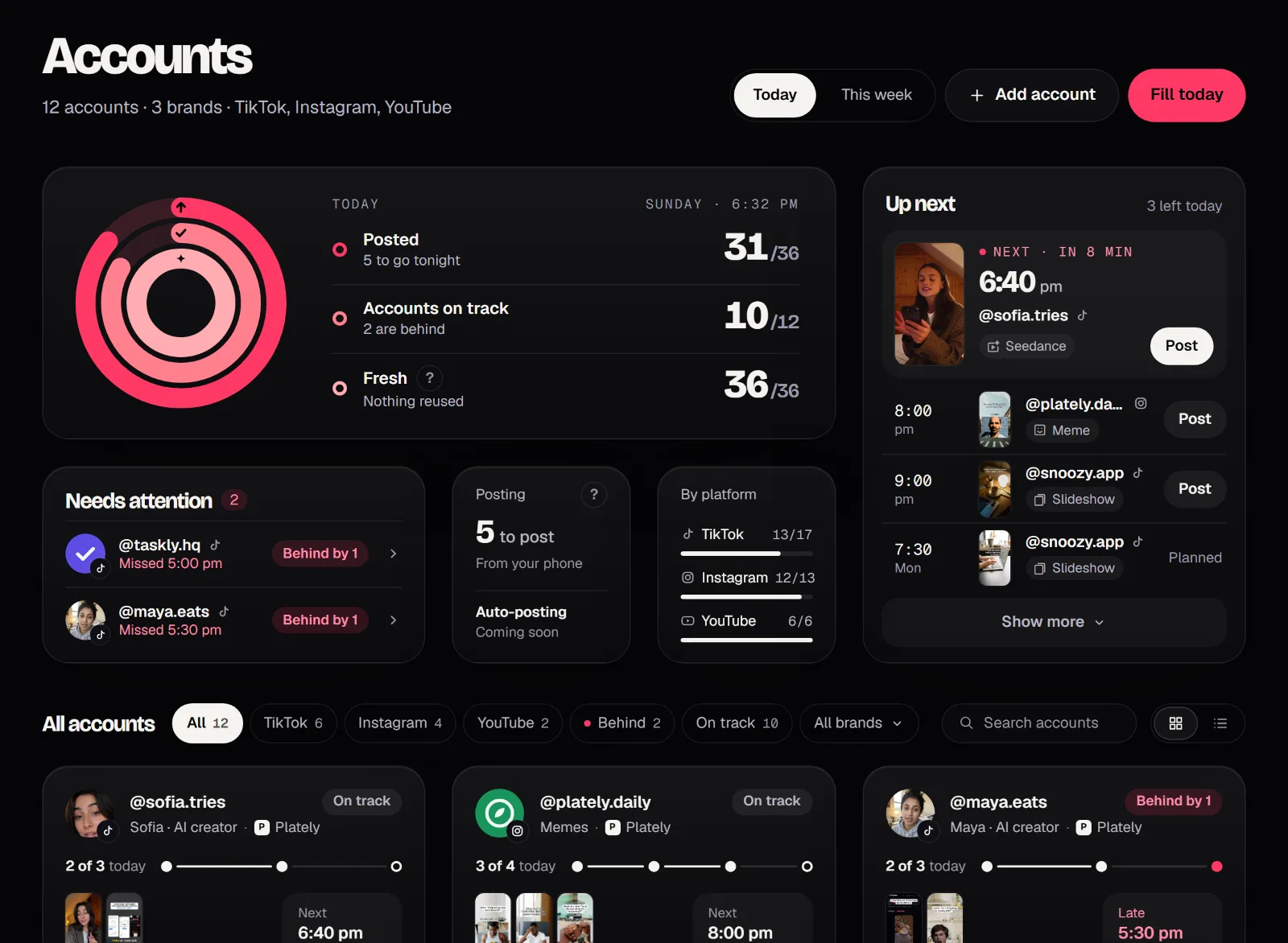
Every TikTok, Instagram and YouTube account you post to, each with its brand and how many posts a day.
One tap gives every slot a ready post. Each account gets its own posts, never the same video twice.
Save the video, copy the caption, open the app. Auto-posting is coming soon.
Priced in posts. Start free, upgrade when you post every day, cancel any time.
Free
Free, no card
3 posts a month
AI videos: preview only
Starter
Billed monthly
30 posts a month
3 AI videos (up to 10 s each)
Growth
Our pickBilled monthly
100 posts a month
7 AI videos (up to 10 s each)
Pro
Billed monthly
300 posts a month
18 AI videos (up to 10 s each)
Prices in US dollars. A post counts when you export it; drafts, previews and edits are free. Creator videos and Seedance use AI videos: one for every started 10 seconds of AI on screen, HD counts double. Limits reset every 30 days.
Not yet. You keep the posts you like, export them and post from your phone in a few taps; the Accounts page keeps track of what goes out where. Auto-posting is coming soon.
Paste your website and see what Off Camera makes from it. No card, no filming, no editing, and no account needed to look around.